
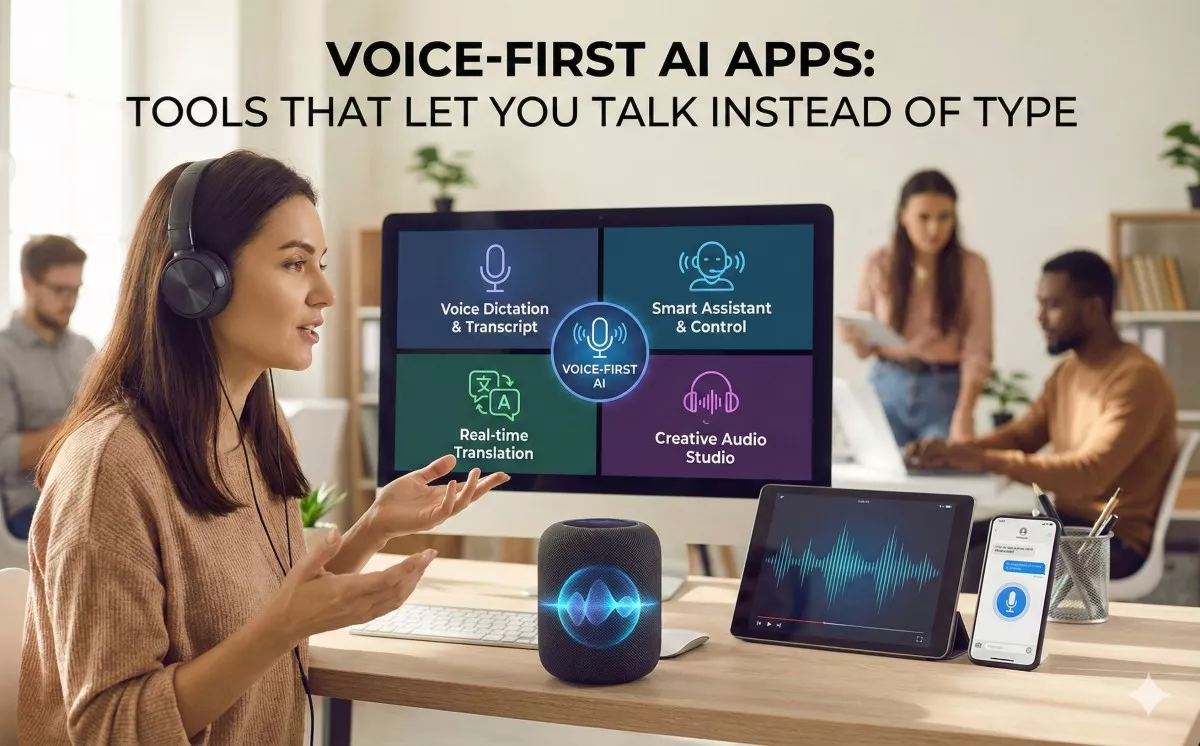
Voice-First AI apps are a new generation of software designed to understand spoken language as the primary input, moving beyond simple dictation to execute complex tasks instantly. Unlike traditional voice assistants that often fail at context, these apps use Large Language Models (LLMs) and Large Action Models (LAMs) to interpret natural speech, structure rambling thoughts into coherent text, and interact with other software to perform actions like booking appointments, sending emails, or coding hands-free. Leading examples include Gemini Live for deep Google Workspace integration, ChatGPT Advanced Voice for conversational problem solving, and AudioPen for restructuring messy thoughts into clear writing.
The End of the Keyboard?
You know that feeling: you’re walking down the street, an incredible idea hits you, and by the time you unlock your phone and fumble with the tiny keyboard, the thought is gone. Or you’re cooking, hands covered in flour, and you desperately need to convert tablespoons to cups without touching a screen.
For the last decade, we’ve been forced to translate our natural, fluid thoughts into rigid taps on a glass screen. But 2024 and 2025 have marked a shift. We are moving from “Voice-Enabled” (where voice is a gimmick) to “Voice-First” (where talking is the most efficient way to get things done).
This isn’t just about dictation. It’s about agency. The new wave of AI doesn’t just listen; it understands and acts.
What Are “Instant Actions”?
Old voice assistants (like the Siri or Alexa of 2020) were essentially command lines. You had to say the exact magic words: “Play playlist X.”
Instant Action AI (often powered by Large Action Models or LAMs) works differently. It understands intent. You can say: “I’m flying to Chicago next Tuesday for a conference, find me a flight around 10 AM and put it on my calendar.”
The AI doesn’t just search; it:
- Finds the flight options.
- Reads your calendar to check for conflicts.
- Executes the scheduling action.
Here are the best tools available right now that are making this reality possible.
The “Do-It-All” Super Assistants
These are the titans—the apps that live on your phone and try to be your second brain.
1. Gemini Live (Google)
Best For: Deep integration with your digital life (Email, Maps, Calendar).
Gemini is arguably the closest we have to a true “Action” assistant right now because of its Extensions. Because Google owns the ecosystem, Gemini can reach into your apps.
- The Experience: You can have a fluid, back-and-forth conversation. It feels less like talking to a robot and more like chatting with a super-smart colleague.
- Instant Action: “Check my emails for a PDF from Sarah about the project, summarize it, and draft a reply saying I’m good with the budget.” It actually finds the specific email and drafts the reply.
- Why it wins: It connects the dots between Google Maps, Flights, Hotels, and Workspace.
2. ChatGPT (Advanced Voice Mode)
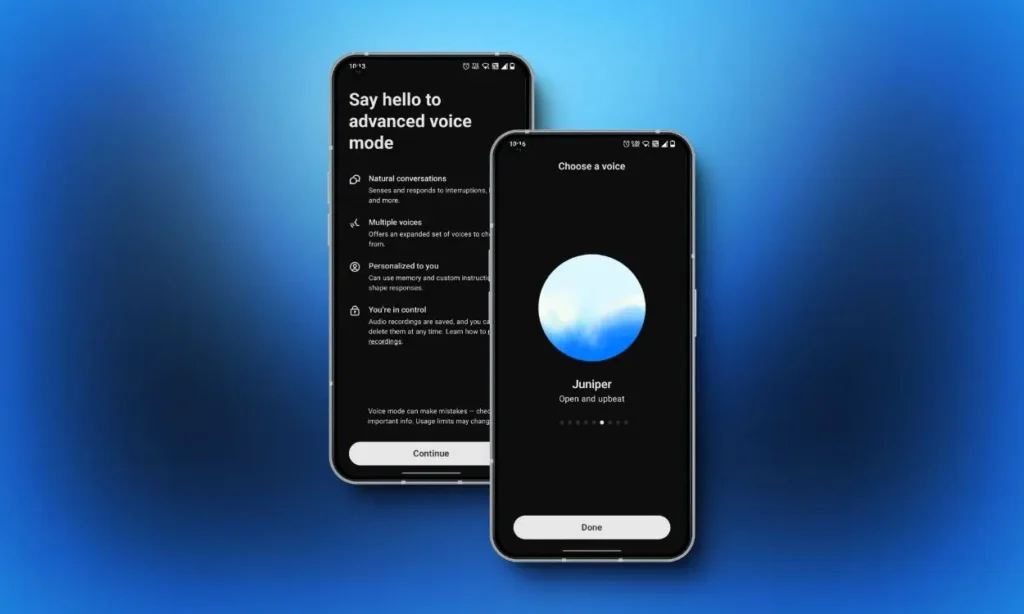
Best For: Brainstorming, learning, and role-play.
While Gemini is great at tasks, ChatGPT’s Advanced Voice Mode is the king of conversation. It picks up on your tone, speed, and emotion.
- The Experience: It’s shockingly human. You can interrupt it, ask it to whisper, or tell it to speed up.
- Instant Action: While it has fewer system-level actions than Gemini, it excels at creative actions. You can say, “Look at this photo of my fridge (via camera), what can I cook?” or “Listen to me practice my French accent and correct me.”
The “Thought Structurers” (No More Rambling)
These apps solve a specific problem: humans ramble, but writing needs to be structured.7 These tools take your messy, “um”-filled voice notes and turn them into gold.
3. AudioPen
Best For: Turning unstructured brain dumps into polished content.
AudioPen is a cult favorite for writers and thinkers. You just hit record and start talking. You can stutter, repeat yourself, or go off on tangents.
- The Magic: When you hit stop, it doesn’t just give you a transcript. It rewrites your words into a clean, concise, and formatted note.
- Use Case: You are driving and have an idea for a blog post. You ramble for 3 minutes. AudioPen converts that 3-minute ramble into a crisp, 3-paragraph summary ready to be published.
4. Wispr Flow
Best For: dictation across all your desktop apps.
Most dictation software forces you to stay inside their app. Wispr Flow is different—it’s an overlay that works everywhere.
- Instant Action: You can use it to dictate directly into Slack, Notion, or coding editors. It understands context, so if you say “New paragraph,” or “Delete the last sentence,” it executes immediately. It claims to be 3x faster than typing.
5. Oasis

Best For: Content creators who need multiple formats from one thought.
Oasis is similar to AudioPen but focuses on repurposing.
- The Magic: You record a voice note about a product launch. You can then ask Oasis to output that single recording as:
- A LinkedIn post.
- An email to your boss.
- A script for a TikTok video.
- It creates all three variations instantly from one voice input.
The “Productivity Engines” (Meetings & Work)
6. Otter.ai
Best For: Meeting memory and action items.
Otter has been around for a while, but its new AI features make it a powerhouse. It doesn’t just transcribe; it hunts for tasks.
- Instant Action: If you say, “I’ll email the client by Friday” during a meeting, Otter’s AI identifies that as an Action Item and highlights it for you automatically. You can also “chat” with your meeting notes later, asking, “What did we decide about the budget?”
7. Perplexity (Voice Mode)

Best For: Replacing Google Search with answers.
Perplexity is an “Answer Engine.” Instead of giving you blue links, it reads the web and gives you the answer.
- The Experience: You ask a complex question via voice: “What are the best noise-canceling headphones under $300 that also have good microphone quality for calls?”
- Instant Action: It browses multiple sources in real-time and synthesizes a direct answer, citing its sources. It cuts the “search-click-back-search-click” loop down to zero.
Real-Life Scenarios: How to Use These Tools Today
To help you visualize how this changes your day, here are three scenarios where “Voice-First” beats typing every time.
Scenario A: The “Commuter’s Office”
The Problem: You are stuck in traffic for 45 minutes. You are productive in your head, but your hands are on the wheel.
The Solution:
- Use Gemini Live to catch up on emails. (“Read me the latest emails from the marketing team.”)
- Use AudioPen to draft that difficult email you’ve been putting off. You ramble your feelings, it cleans it up. You paste the clean text when you get to the office.
Scenario B: The “Walking Brainstorm”
The Problem: You sit at your desk to write, but you have writer’s block. The cursor is blinking mockingly.
The Solution:
- Go for a walk outside.
- Open ChatGPT (Advanced Voice).
- Say: “I’m trying to write an article about AI, but I’m stuck. Ask me questions to help me outline it.”
- By the time you return from your walk, you have a full outline generated from your conversation.
Scenario C: The “Kitchen Commander”
The Problem: Your hands are wet/dirty, and you need to manage household chaos.
The Solution:
- Use Perplexity to answer specific questions: “I don’t have buttermilk, what can I substitute with milk and vinegar?”
- Use Gemini/Siri to handle the admin: “Remind me to buy milk when I arrive at Costco.” (Location-based triggers are a form of instant action!).
How to Choose the Right App?
If you are overwhelmed, filter your choice by these three factors:
| Factor | If you value this… | Choose this App |
| Ecosystem | You live in Google Workspace (Docs, Gmail). | Gemini Live |
| Clarity | You have messy thoughts and need clear text. | AudioPen |
| Conversation | You want a thinking partner/tutor. | ChatGPT |
| Speed | You want to dictate code or Slack messages fast. | Wispr Flow |
A Note on Privacy
Voice data is biometric data. It is sensitive.
- Cloud vs. Local: Apps like ChatGPT and Otter process data in the cloud (for power).
- Privacy First: If you are discussing sensitive trade secrets, look for apps that offer Local Processing (where the AI runs on your device, not a server), though this technology is still maturing for mobile devices. Always check if the app trains its AI on your voice data (you can usually opt-out in settings).
The Future: Ambient Computing
We are currently in the “App” phase of voice AI. You have to unlock your phone and open an app.
The next phase is Ambient Computing. This is what devices like the Rabbit R1 or the Humane Pin tried (and mostly failed) to do, but what Apple and Google will likely succeed at. Soon, the AI won’t be in an app; it will be a layer over your entire operating system. You won’t “open audio pen”; you will just speak to your phone, and it will know you are drafting a note.
Until then, these apps are your best toolkit for breaking free from the keyboard. They allow you to work at the speed of thought, not the speed of your thumbs.